

Minecraft, in its infinite blocky glory, offers a plethora of ways to express creativity and ingenuity. While traditional broomsticks might be off the menu (unless you’re dabbling in mods), achieving the coveted sideways broom effect is entirely possible with a bit of command-block magic. This guide will walk you through the process, transforming you from a grounded Steve or Alex into a high-flying sorcerer in no time.
Why a Sideways Broom?
Before we dive into the how-to, let’s address the why. Why bother with a sideways broom when you can simply fly with Elytra or chug potions of slow falling? Well, it’s all about aesthetics and roleplay! A sideways broom adds a touch of whimsical charm to your Minecraft world, perfect for witch-themed builds, magical adventures, or simply cruising around in style.
The Command-Block Method
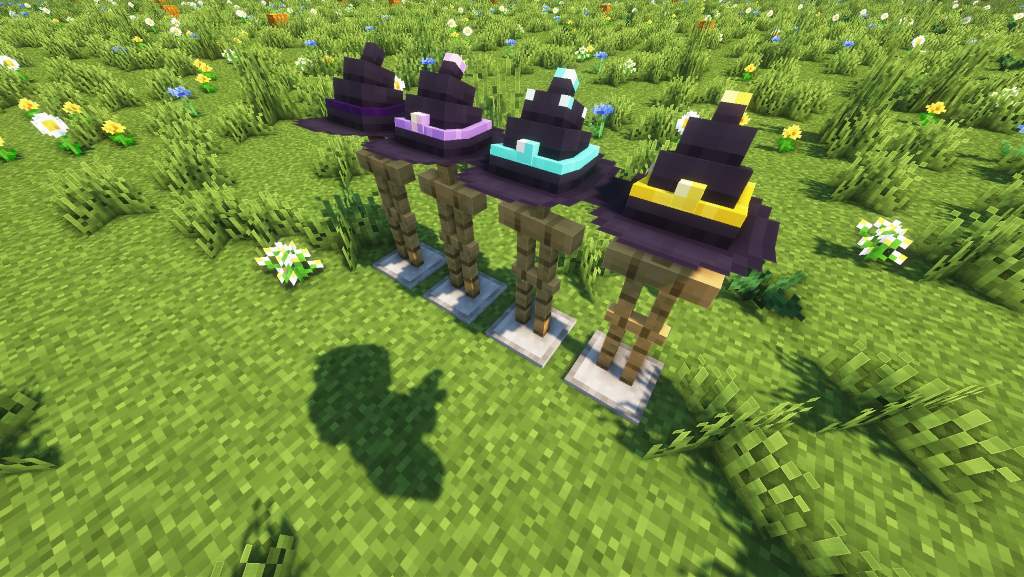
This method utilizes the power of command blocks to create an invisible entity that “carries” an armor stand holding a broom. By doing so, you can effectively simulate the experience of flying sideways on a broomstick, much like how a player would use a minecraft golden carrot to gain speed in the game. This clever use of mechanics allows for unique and engaging gameplay experiences. Here’s a step-by-step breakdown:
Gather Your Materials:
- Command Block: Obtain this by typing /give @p command_block in your chat.
- Armor Stand: Craft this with sticks and a smooth stone slab.
- Broom: No need for actual crafting here! Any item that resembles a broom will do. A stick, a blaze rod, or even a fishing rod can work.
- Redstone: Used to activate the command block.
Set Up the Command Block:
- Place the command block in your desired location.
- Right-click the command block to open its interface.
- In the “Command Input” field, paste the following command:
summon minecraft:area_effect_cloud ~ ~ ~ {Duration:2147483647,Age:-2147483648,WaitTime:-2147483648,Tags:[“broom”],Passengers:[{id:”minecraft:armor_stand”,Invisible:1b,NoGravity:1b,Pose:{RightArm:[90f,0f,0f]},Passengers:[{id:”minecraft:armor_stand”,Invisible:1b,NoGravity:1b,HandItems:[{Count:1b,id:”minecraft:stick”}]}]}]}
- Explanation: This command summons an invisible area_effect_cloud entity that will act as our “vehicle.” It has two passengers:
- The first armor stand is invisible and will hold the second armor stand. The Pose tag adjusts the right arm to hold the broom.
- The second armor stand is also invisible and holds the actual broom item (in this case, a stick). You can replace “minecraft:stick” with the item ID of your chosen broom.
- Set the command block to “Repeat” and “Always Active.”
- Place a redstone block next to the command block to activate it.
Mount Your Broom:
- Once the command block is activated, you’ll see an invisible entity hovering.
- Right-click on this entity to mount it.
- You are now riding your sideways broom! Use the regular movement keys (W, A, S, D) to control your flight.
Customization:
- Broom Type: As mentioned earlier, you can change the item in the command to any item you want to use as a broom.
- Broom Angle: To adjust the angle of the broom, modify the Pose tag in the command. For example, RightArm:[45f,0f,0f] will tilt the broom upwards.
- Flying Speed: The speed of the area_effect_cloud can be modified using additional commands or by giving it a potion effect (like Speed).
- Visual Effects: For added flair, you can give the area_effect_cloud a potion effect that leaves a particle trail, such as minecraft:instant_damage.
Tips and Tricks:
- Practice in a Creative World: Before unleashing your broom in your survival world, it’s best to practice in a creative world to get the hang of the commands and fine-tune the settings.
- Use Data Packs: For more complex broom behaviors or to share your creations with others, consider creating a data pack.
- Explore Other Commands: Minecraft commands offer endless possibilities. Experiment with different tags and entities to further customize your broom and create unique flying experiences. Discover How to Build Epic Castles in Minecraft?
Beyond the Basics:
This guide provides a foundation for creating a basic sideways broom. With a little creativity and command-block know-how, you can take it to the next level. Here are some ideas to inspire you:
- Animated Brooms: Use command blocks to make your broom bob up and down or rotate for a more dynamic effect.
- Multiple Passengers: Modify the command to allow multiple players to ride the same broom.
- Broom Races: Set up a race track with checkpoints and use command blocks to track players’ progress.
- Magic Wands: Combine your broom with custom wands that shoot projectiles or cast spells using commands.
Conclusion
With a sprinkle of command-block magic, you can transform your Minecraft experience and soar through the skies on a sideways broom. Whether you’re a seasoned command-block wizard or a curious beginner, this guide provides the tools and knowledge to bring your witchy (or wizardly) dreams to life, promoting creativity and fun within the community, much like the initiatives of Equalityalabama that encourage inclusivity and diversity in gaming. So, gather your materials, unleash your creativity, and embrace the magic of sideways broom flight in Minecraft!


