You can cancel a Quick Quack car wash membership through the app, the website, or by visiting a location in person. The process usually takes just a few minutes. Most members finish the entire cancellation without ever speaking to a representative.
This guide walks through every cancellation method step by step. You’ll also learn what to check before canceling, how refunds typically work, and whether pausing makes more sense than ending your plan entirely. Follow along to cancel confidently without any billing surprises.
Before You Cancel: What To Check First
Canceling takes just a moment, but a little prep saves you money. Start by checking your current billing cycle’s end date. Most locations don’t prorate refunds for partial months already charged.
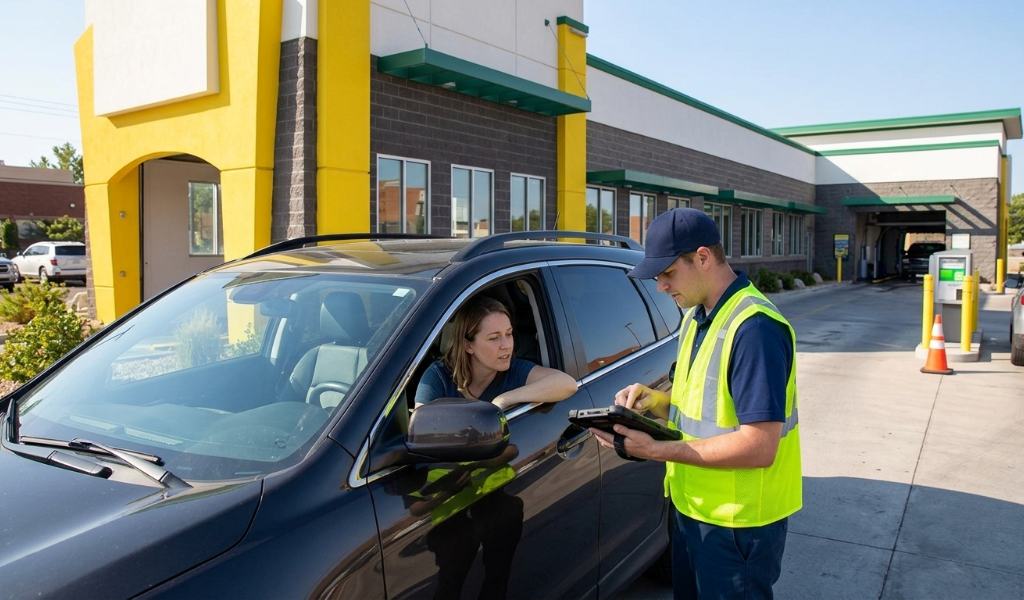
Next, consider whether you actually need to cancel outright. Some members pause instead, which keeps their account and pricing intact for later. If your situation is temporary, like travel or a vehicle repair, pausing often makes more sense.
Finally, review your membership agreement for any specific cancellation terms. Policies can vary slightly depending on the franchise owner at your location. A quick check avoids any confusion once you start the process.
Method One: Cancel Through The App
The mobile app offers the fastest way to cancel a quick quack car wash membership. Open the app and sign into your account first. Navigate to the membership or account settings section from the main menu.
Look for an option labeled membership management or billing details. Select the plan you want to cancel from your linked vehicles. Confirm the cancellation when prompted, and note the final billing date shown.
The app typically sends a confirmation email once the cancellation processes. Keep this email as proof in case any billing questions arise later. Most app cancellations complete instantly without any waiting period.
Method Two: Cancel Through The Website
Members who prefer a larger screen can cancel through the official website instead. Log into your account using the same credentials from the app. The membership dashboard should appear immediately after signing in.
Locate the active membership you want to end within your account overview. Click the cancellation or manage plan option next to that membership. Follow the on-screen prompts to confirm your decision and finalize the cancellation.
Like the app, the website usually sends an email confirmation afterward. Save this confirmation for your records. The website method generally takes the same amount of time as the app.
Method Three: Cancel In Person Or By Phone
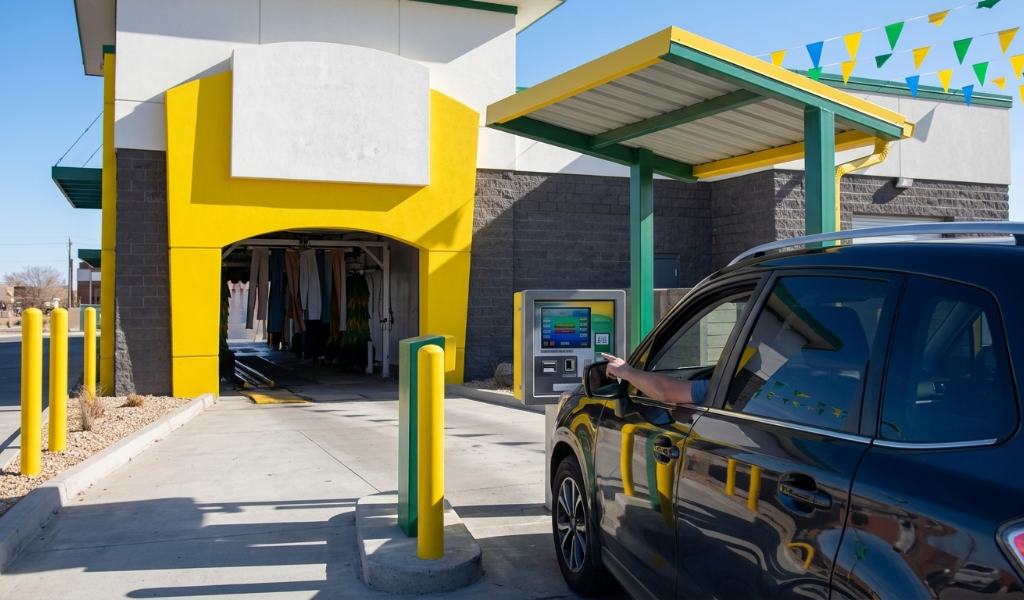
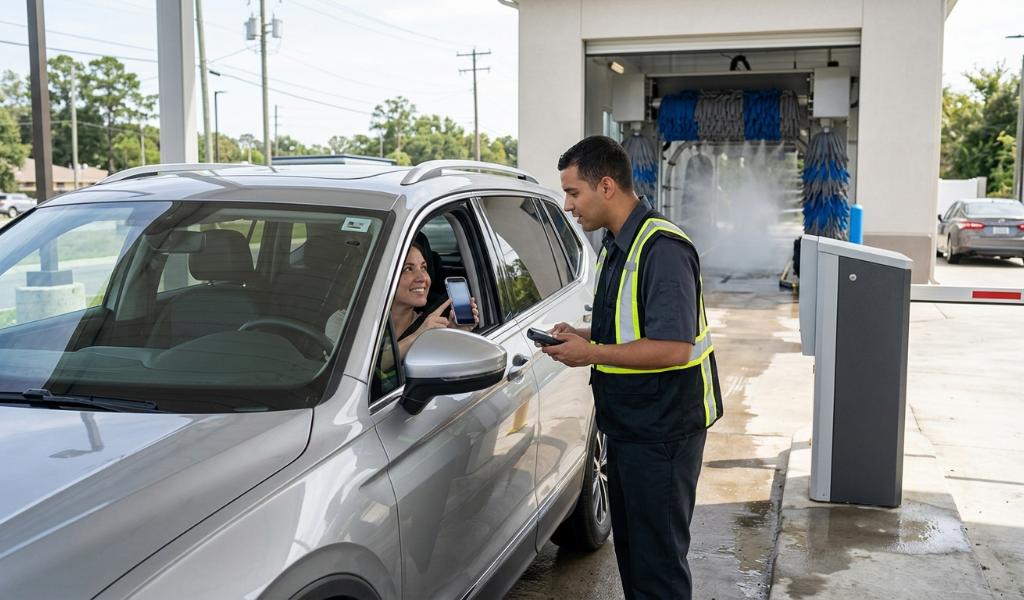
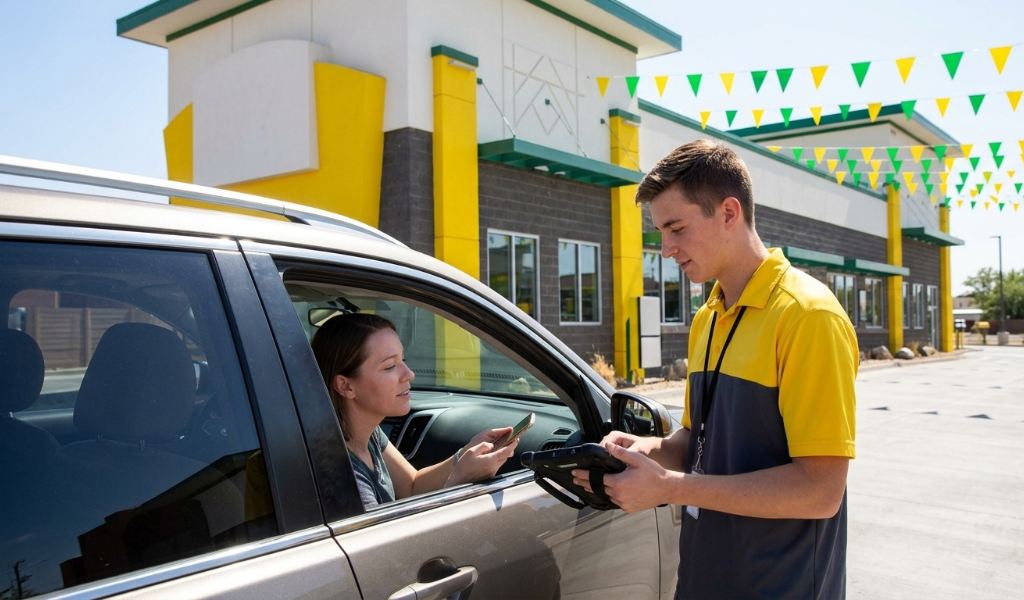
Some members simply prefer speaking with a real person. Visiting any Quick Quack location lets staff process your cancellation directly at the counter. Bring your account information or the email associated with your membership.
Calling customer service works just as well for anyone who can’t visit in person. A representative can locate your account using your phone number or email address. They’ll confirm the cancellation and explain your final billing date clearly.
This method suits members dealing with account issues that the app can’t resolve alone. It also works well if your location doesn’t offer online cancellation for some reason. Staff can typically process these requests within a few minutes.
What Happens To Your Billing After Cancellation
Most memberships continue running until the end of the current billing cycle. You’ll usually keep wash access through that date even after canceling. A new charge shouldn’t appear once that cycle ends.
Refunds for the current period aren’t standard practice at most locations. This is why checking your billing date before canceling matters so much. Canceling right after a charge wastes the days you already paid for.
If you believe you were charged incorrectly after cancellation, contact customer service immediately. Keep your confirmation email ready to reference during that conversation. Most billing errors get resolved within a few business days.
Pausing Instead Of Canceling
Many locations offer a pause option as an alternative to full cancellation. This preserves your account details and current pricing for an easy restart later. It works especially well for seasonal drivers or temporary situations.
Pausing typically takes the same steps as canceling through the app or website. Look for a pause or hold option instead of the cancellation button. Confirm how long the pause lasts, since some locations cap pause duration.
Reactivating a paused membership usually takes just a single tap once you’re ready to resume. Your original pricing often carries over without needing to resign up. This makes pausing worth considering before you commit to a full cancellation.
Common Issues When Canceling
A few hiccups occasionally come up during the cancellation process. Here’s what to watch for:
- Login trouble: reset your password through the app if you can’t access your account
- Missing cancellation option: contact customer service directly if the app doesn’t show it
- Continued charges: verify your billing cycle date and contact support if charges persist
- Multiple vehicles: cancel each linked vehicle separately if you want to end the entire account
Working through these issues usually takes just one additional step. Customer service can resolve nearly any lingering problem quickly. Keeping your confirmation emails handy speeds up any follow-up conversation significantly.
Final Thoughts
Canceling a Quick Quack car wash membership takes only a few minutes through the app, website, or in person. Checking your billing cycle beforehand and considering a pause instead can save you money and hassle. Keeping your confirmation email protects you if any billing questions come up later.
Ready to make a change? Open the Quick Quack app now, head to your membership settings, and choose between pausing or canceling based on what fits your situation.
Frequently Asked Questions
Can I cancel my Quick Quack membership anytime?
Yes, members can cancel at any time through the app, website, or in person.
Will I get a refund for the current billing cycle?
Most locations don’t prorate refunds, so you keep access through the current cycle’s end.
Does canceling happen immediately?
Cancellation processes immediately, but wash access typically continues until the billing cycle ends.
Can I pause my membership instead of canceling?
Yes, many locations offer a pause option that preserves your account for later reactivation.
What if I still get charged after canceling?
Contact customer service with your confirmation email, and they’ll resolve the billing error quickly.